
You are here
You shall not pass!
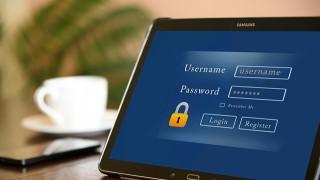
We rely on passwords and pin protection to keep our documents, phones and computers safe. This is changing as technology evolves so security keys and other biometric means may soon replace passwords. But, until then, it's vitally important to have strong passwords for keeping personal data safe.
The attempts by criminals to gain access to our personal data continue so we must do all we can to disrupt them.
What makes a strong password?
A passphrase or a random three-word collection of 12 characters or more is a strong start. Use a phrase that's memorable to you, including numbers, symbols and capitals letters — for example, Flowers-m00n-b@th. This would take some guessing as opposed to your pet or birthday, or the names of children and grandchildren. Those can be easily pulled from social media sites if you share publicly or if others share your posts.
Practice good data protection habits:
Microsoft will prompt password changes when you log in if there's been a security issue. So there's no need to change the password on your MS Society account unless we suspect a breach and ask you to. You can then change it by clicking Ctrl+Alt+Delete and choosing ‘Change your password’.
Never share your password with anyone. Keep it confidential so only you can use systems that you've been given access to, related to your roles and responsibilities. Sharing it also means you don’t know who it could be further shared with.
Never write your password down. You may want to consider using a free password manager — bearing in mind that the MS Society won't be able to offer technical help and support with this.
Use a different password for different systems. The one you use for your MS Society account should be different from the one you use for your personal account. This ensures that one remains safe if the other is compromised.
Use a password on documents you attach to an email and when emailing external contacts. This provides an extra level of security in the event you send the email to the wrong recipient in error, or its opened by someone who shouldn’t see the contents. Share the password via a telephone call or within a separate email.